Give returning guests a way to book.
Share your own booking page. Guests request a stay and you approve it. Payments are handled separately; this isn’t instant booking.
Explore Direct BookingFor the person behind the property
The weekend price. The cleaner’s update. Last month’s expenses. Signal-Panda brings the work behind your Airbnb together, so you can put the laptop down.
Currently invite only. Already a member? Log in.
A look inside Signal-Panda
Between one guest and the next
Explore the guides and sample screens below. No sign-in required.
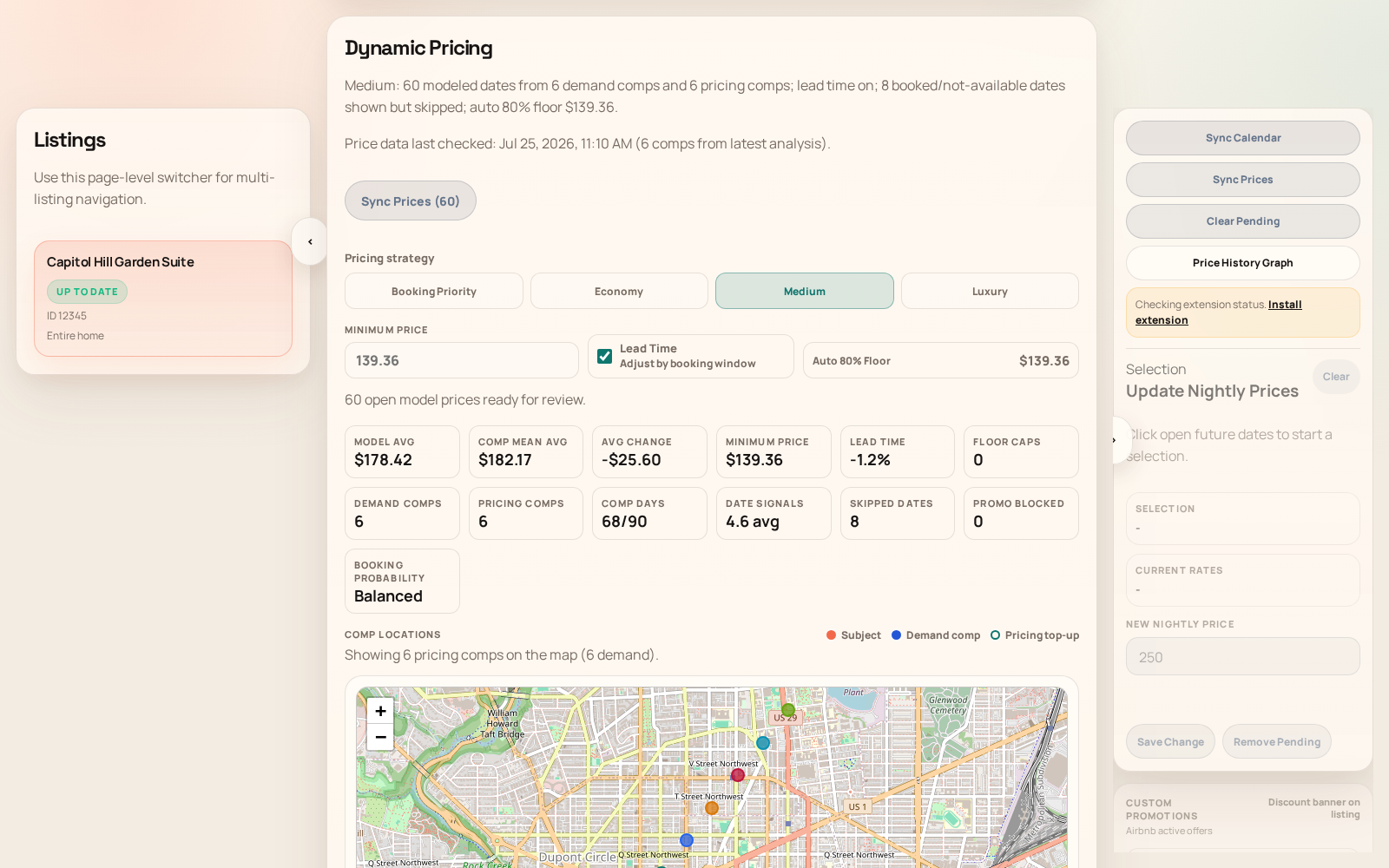
01 / Get a handle on pricing
See how similar listings compare and review suggested nightly prices. Pick the dates you want to change, check the before-and-after, and send the prices you approve to Airbnb.
Explore Competitors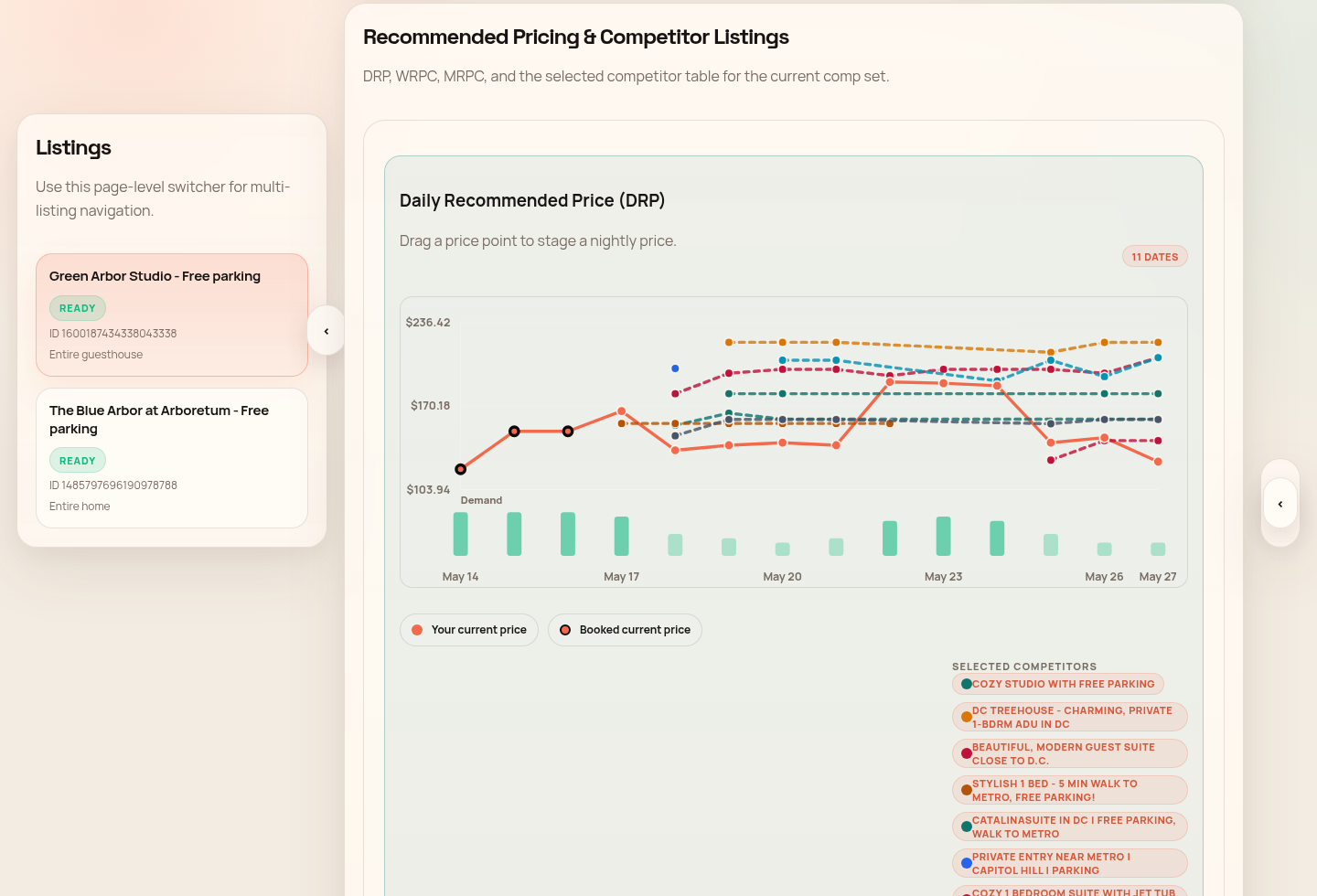
02 / Keep the next check-in on track
Give your crew the job, the checklist, and a clear picture of how the place should look. Review their photos and catch missing supplies before the next check-in.
Explore Cleaning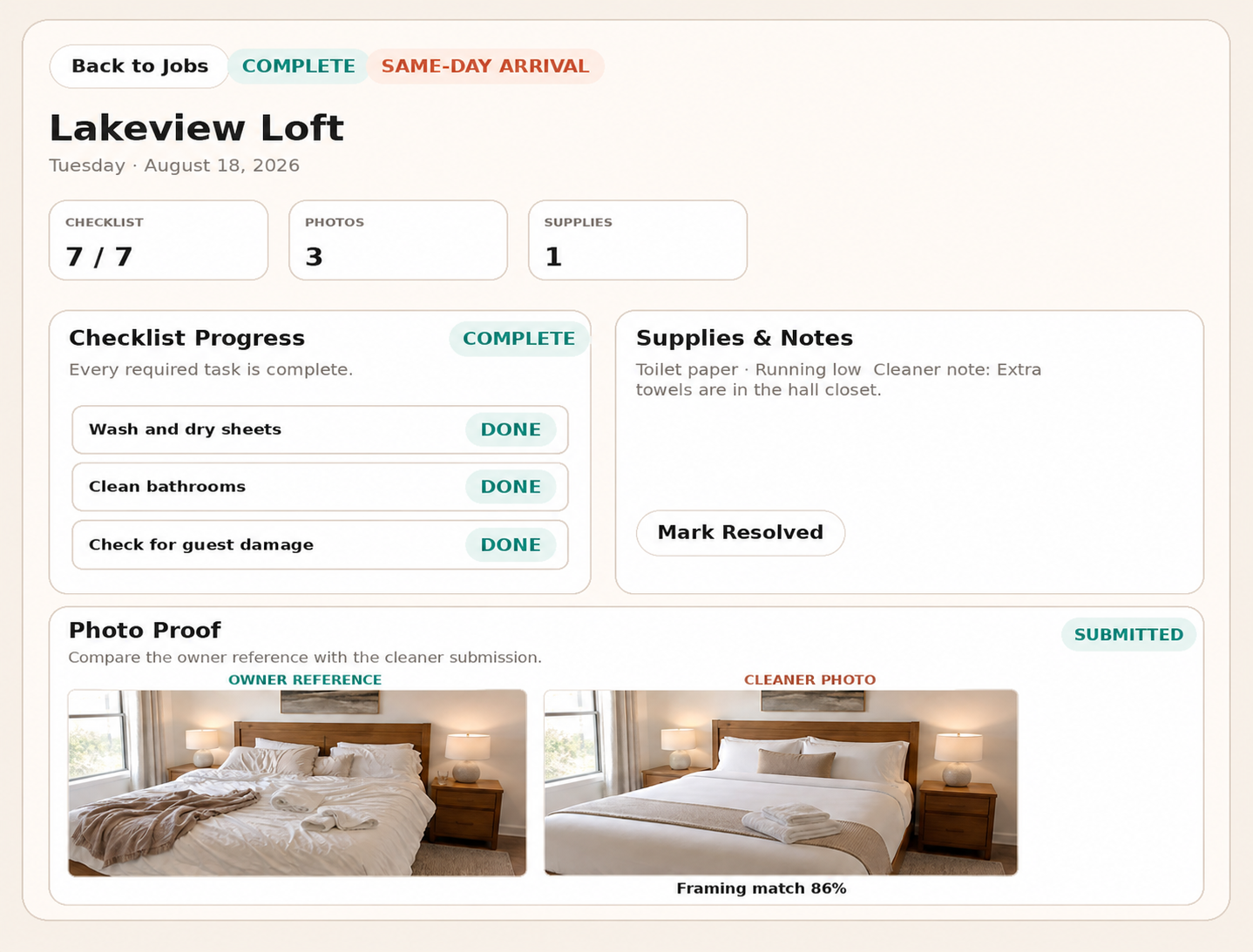
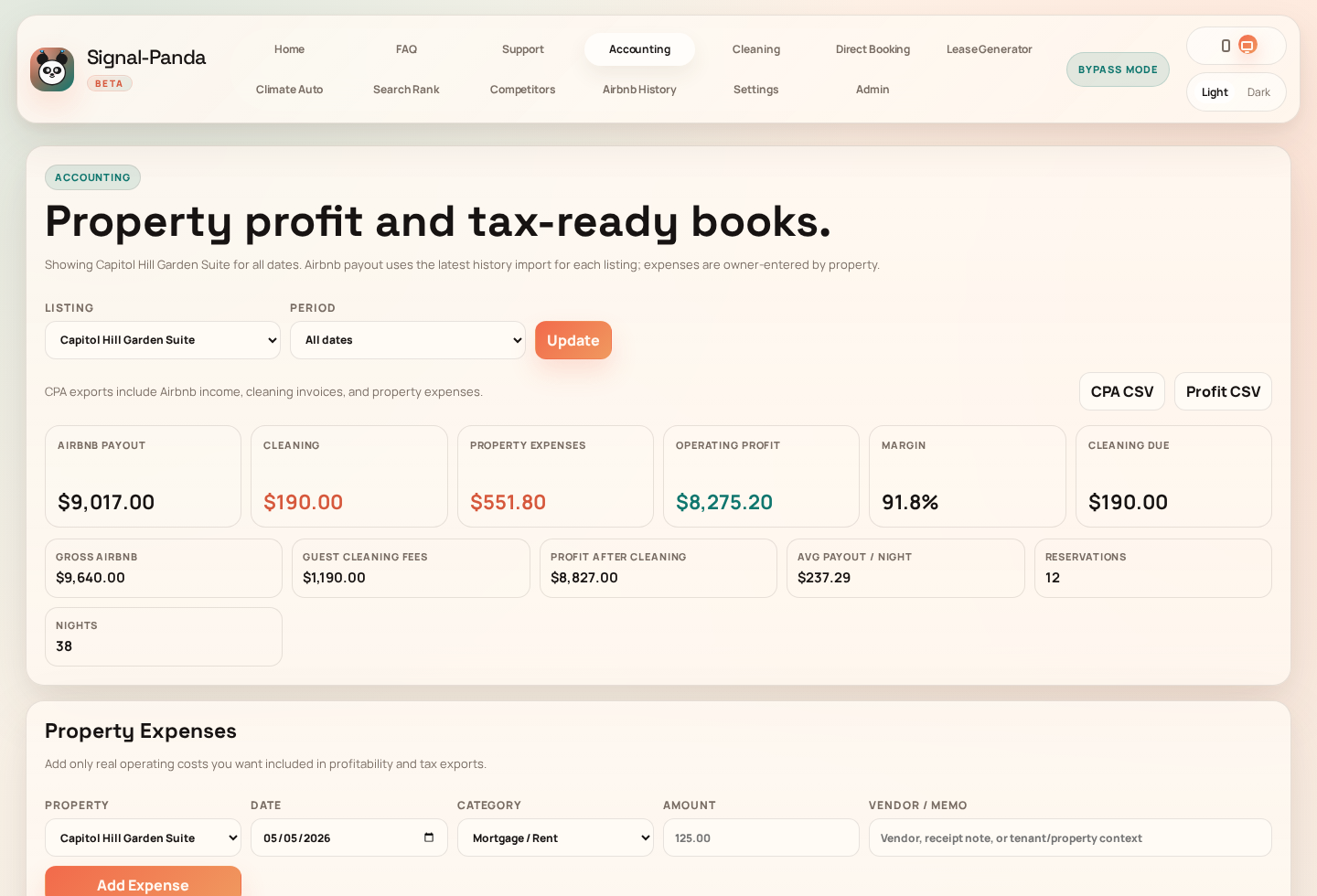
03 / Make sense of the month
Bring Airbnb payouts, cleaning invoices, and expenses into the same view. See what came in, what went out, and get the records together for your accountant.
And the other things on your list
There’s help for the paperwork, the returning guest, and the thermostat, too.
Share your own booking page. Guests request a stay and you approve it. Payments are handled separately; this isn’t instant booking.
Explore Direct BookingPrepare a lease or a short-term stay agreement, collect signatures, and download the completed PDF.
Explore Lease GeneratorSet up checkout routines for LG or Sensibo devices, or control a connected Nest thermostat.
Explore Climate AutoBefore you jump in
Need a hand with something else? Visit the Help Center
Signal-Panda is currently invite only. Request access, then add your property once you’re invited. Start with the part of hosting you need help with first.
The SignalPanda browser extension connects through your signed-in Airbnb session to import private calendar and payout data and publish approved prices. For calendar-only cleaning setup, you can use an Airbnb iCal link.
You review and approve price changes before they’re sent to Airbnb. Suggested prices stay in Signal-Panda until you choose to publish them.
The prices, the turnovers, or the books. Take one thing off your plate.
Currently invite only.